Building a company store sounds like a software decision: pick a platform, upload a logo, launch. In practice, the software is the easy part. The stores that get used — and the ones that quietly die after the launch email — are separated by five decisions that have nothing to do with which platform you picked.
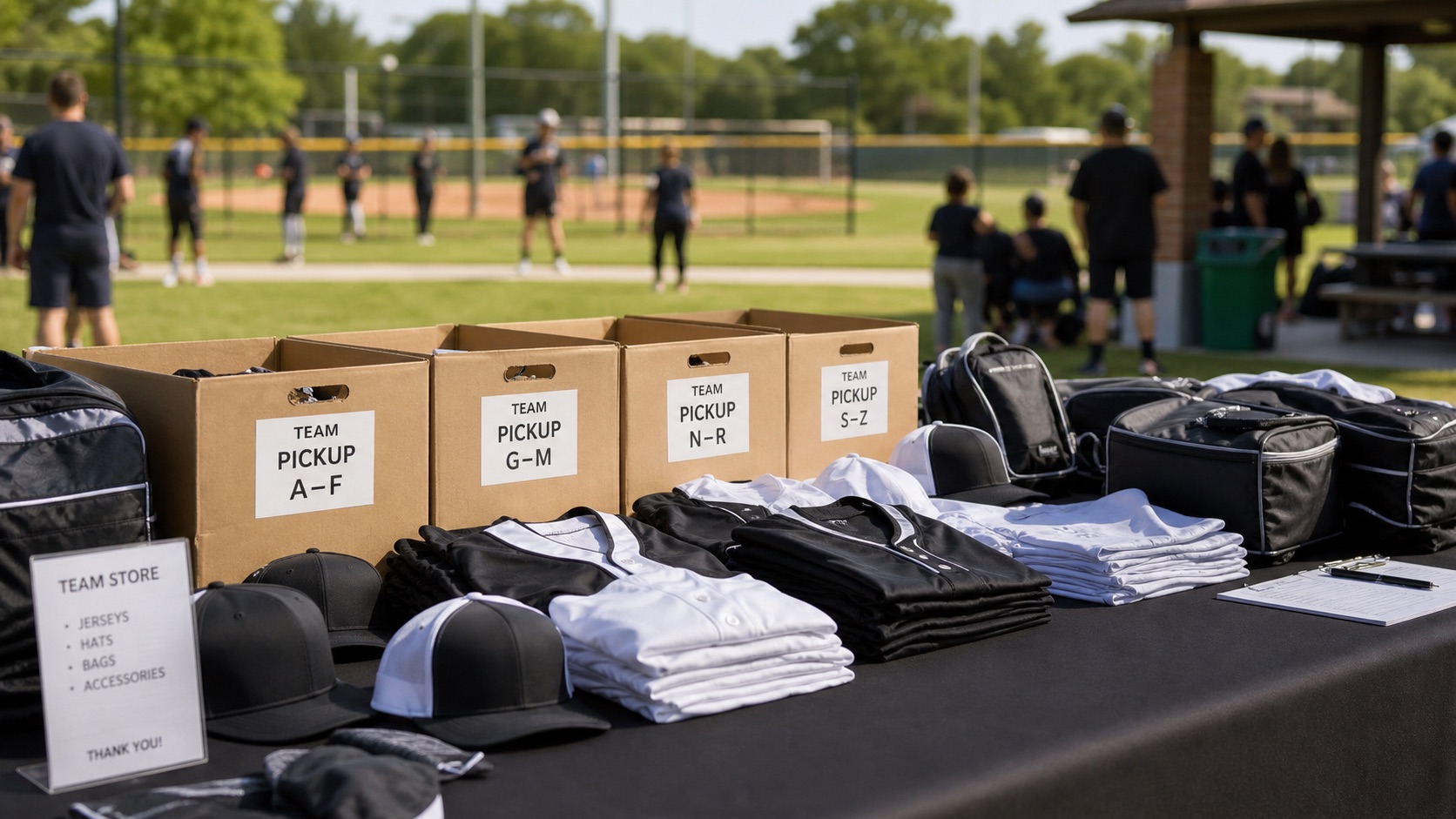
This is the playbook we run every time we build a company store for a client. It applies whether you are a 50-person company outfitting employees, a school or team collecting orders by a deadline, or an organization that wants merch available year-round. The operational problems are identical; only the logo changes.
A company store is not a website with products on it. It is a set of rules about who can order what, on whose budget, fulfilled how — with a storefront on top.
Decision one: what actually belongs in the store
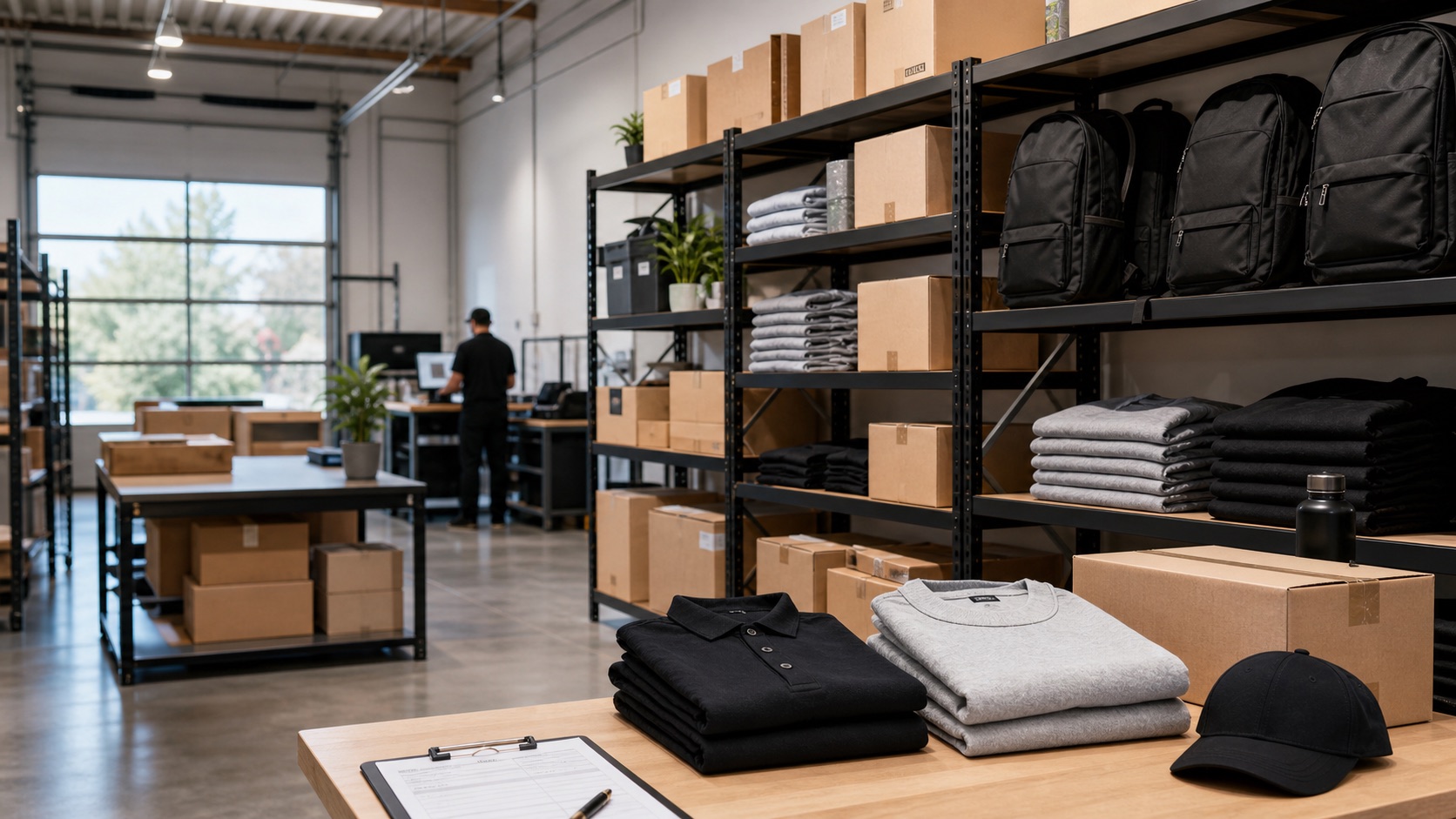
The instinct is to launch with everything — 100+ products, every color, every category. Resist it. The stores people actually order from open with a curated 20–35 products: a few apparel tiers (a quality tee, a polo, a premium outer layer), headwear, a bag, drinkware, and one or two premium items that make the whole store feel worth browsing. Curation is also brand control: every product in the store is one you have already approved, mocked up, and priced.
Quality floor matters more than quantity. One cheap-feeling item teaches your team the store is where budget merch lives, and they stop coming back. This is why we start every store with product curation and real mockups rather than catalog dumps — the assortment is the strategy, and it should answer who the store is for before it answers what is in it.
Decision two: pick the store mode — how people get merch
There are really four store modes, and choosing the wrong one is the most common reason programs stall. Employee-purchase stores let people buy with their own money — simplest to run, works when the merch is genuinely desirable. Allowance stores give each person points or credit to spend (this is what our Swag Bucks flow does) — the right mode for onboarding kits, anniversaries, and rewards. Request-only stores collect requests for admin approval — right when budgets are tight or products are role-specific. And hybrid stores mix them: everyone can buy, some things are earned.
The mode determines everything downstream: whether you need payment processing, budget enforcement, approval workflows, or all three. Decide it before you look at any software, because it is the main thing the software has to support. If you want to see the modes in action, how our stores work walks through each one.
Decision three: on-demand, bulk inventory, or hybrid fulfillment
On-demand printing means no minimums and no inventory risk, but unit costs run 2–3x higher than bulk. Bulk ordering unlocks break pricing — blank apparel typically drops 30–45% in unit cost between quantities of 24 and 144 — but requires upfront spend and somewhere to put the goods. Warehoused inventory at $0.15–0.50 per unit per month is usually far cheaper than reordering small batches at retail.
The programs that save real money run a hybrid: bulk inventory for the high-velocity staples everyone orders, on-demand for the long tail. Which products go in which bucket is exactly the kind of judgment call a merch partner should be making for you — it is supply-chain math, not taste.
Decision four: who runs the operation
Someone has to source products, manage artwork, watch inventory, handle returns and size exchanges, and answer "where is my order?" Sixty-three percent of companies with 100+ employees end up spreading this across three or more vendors, and the admin becomes the integration. The alternative is a managed store: one partner who curates, builds, and operates the thing, so the store is a link you share instead of a job you took on.
If you are comparing the DIY-platform route against the managed route, we wrote an honest breakdown in SwagUp vs. Create & Source and why ordering tools are not merch programs. The short version: platforms give you tools; a partner gives you a running store. Know which one you are actually buying, and what each really costs — we published the full cost breakdown too.